Series

3 partsВиталий Лещенко

Windows containers by hand

A series about how Windows containers work from the inside — top to bottom, one layer of tooling at a time. We start with a Windows Server that has neither Docker nor Kubernetes: we install containerd, networking and nerdctl by hand and work through process isolation, networking, mounting folders and limits. Then we give containers names and addresses, look inside a running container, pull an image and prepare its layers without containerd, and finally do without a runtime altogether, creating a container and its network with direct HCS and HNS calls. The series ends with Hyper-V isolation, building an image without Docker and HostProcess containers.

The series builds on the Windows nodes block of the Kubernetes for beginners series (parts 36, 37, 38, 39, 40): the concepts are explained there, and what lies beneath them is covered here. All the examples were tested on Windows Server 2025 and are available in the windows-containers-by-hand repository.
10 partsВиталий Лещенко

Hyper-V

A series about Hyper-V — the hypervisor included in every edition of Windows Server: the role installs with a single command, needs no separate license, and can be managed entirely from PowerShell.

The first part is the shortest path from a clean server to an installed guest system. After it you will have a working virtual machine, even if not everything in the commands is clear yet. The following parts go through each step of that path in turn: how the hypervisor is built, virtual disks, networking, processors and memory, checkpoints. Then the series goes beyond a single host: managing from a workstation, moving machines between hosts and failover clusters.

Everything is done from PowerShell; Hyper-V Manager and Failover Cluster Manager are mentioned only as "this is how it looks in the UI". Every statement about Hyper-V's behavior is backed by a link to Microsoft's documentation. The examples were built on Windows Server 2025.

42 partsВиталий Лещенко

Kubernetes for beginners

Kubernetes for beginners

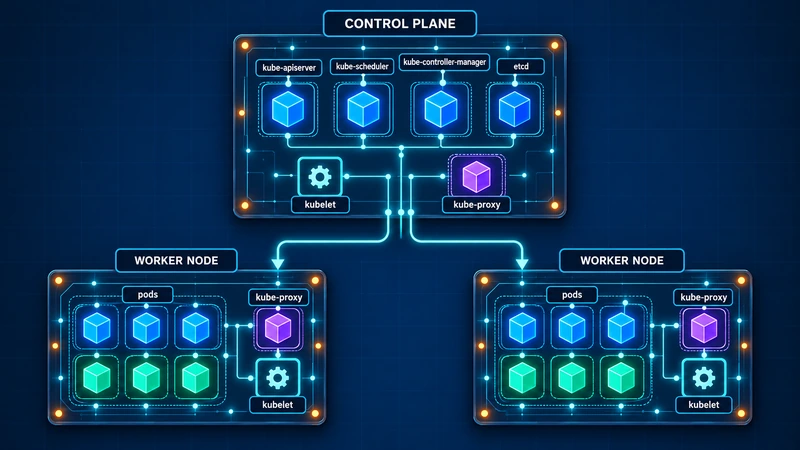
A series for those who already know Linux and networking and want to understand how Kubernetes works: what happens between kubectl apply and a running container, who decides which node it runs on and how, where a pod gets its address and how a packet reaches it from outside, where the data lives and what happens when a node disappears.

The series has three principles.

First: for every component, not only why it is needed but how it works. Which objects appear in the API, which controller reacts to them, which rules appear on the node, what lies in etcd. That is why almost every part has kubectl, crictl and nft output and a walk-through of what it says.

Second: your own cluster, not a cloud one. The lab cluster is installed with kubeadm on three Ubuntu Server virtual machines: this way you can see the control plane, the certificates and etcd that the cloud hides. Every object is described by a YAML manifest and applied with kubectl; Kustomize and Helm come only once the manifests are clear.

Third: best practices, not "it works anyway". Where a default setting or a popular recipe from the internet is better not repeated, there is an explanation of why, and how to do it right.

The order: first the foundation (architecture, the API, installing the cluster, images), then workloads, configuration and scheduling, networking bottom-up — from a pod's address to Ingress and certificates, storage with separate parts on NFS and SMB, packaging, security, observability, cluster maintenance, a hybrid cluster with Windows workers and finally GitOps. Protocols covered in the Networking for beginners series are not explained again: where they come up, there is a link and the gist in two sentences. A highly available control plane and publishing services over BGP are in the Highly available Kubernetes on BGP series.

32 partsВиталий Лещенко

Windows Server for beginners

Windows Server for beginners

A series for those who want to understand how Windows Server and Active Directory work inside: what happens between pressing Ctrl+Alt+Del and the desktop appearing, how domain controllers agree with each other, what lies in the directory and how to read it.

The series has two principles.

First: for every component, not only why it is needed but how it works. Which objects appear in the directory, which packets go over the network, what breaks and why. That is why almost every part has command output, event logs and a walk-through of what they say.

Second: we do everything from PowerShell, not with the mouse. A command can be repeated, put into a script and run on twenty servers, shown in an article more precisely than any screenshot, and on Server Core there is simply no other way.

First the basics: installing the server, disks and network, how Active Directory is built. Then the domain: the first controller, LDAP and Kerberos from the inside, DNS, DHCP, the second controller and replication. Protocols already covered in the Networking for beginners series are not explained again: where they come up, there is a link and the gist in two sentences.

23 partsВиталий Лещенко

Networking for beginners

Networking for beginners

A series for those who write software, run servers or simply want to understand what happens between pressing Enter in the address bar and the page appearing.

The series has one principle: for every protocol, not only why it is needed but how it works. Which bytes go over the wire, who answers them, what happens when something breaks. That is why almost every part has packet headers, commands and tcpdump output. To repeat the examples, any Linux machine (WSL will do) with tcpdump and Wireshark on your workstation is enough.

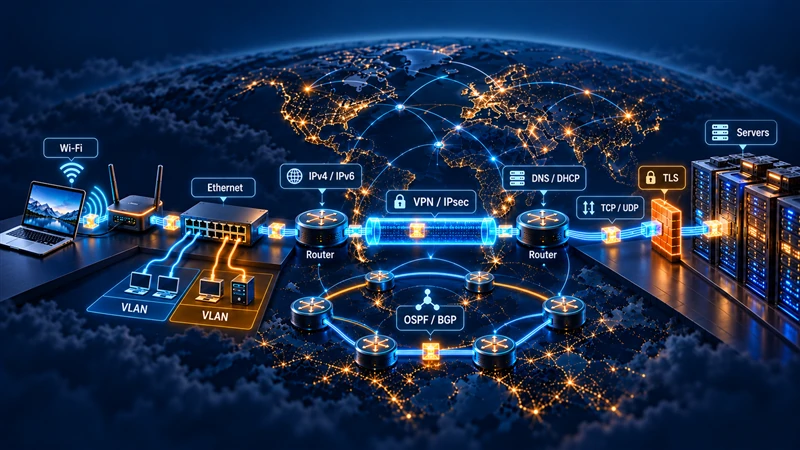
The order is bottom-up through the stack and then outwards: first the basics (the models, Ethernet, Wi-Fi and PPPoE), then IPv4 with ARP and ICMP, the UDP and TCP transports, the DHCP and DNS services, a separate block on IPv6 with Neighbor Discovery, SLAAC and DHCPv6, then VLAN, VXLAN, IPsec with IKEv2, VPNs and proxies, routing with OSPF and BGP, and finally TLS with certificates.

8 partsВиталий Лещенко

Highly available Kubernetes on BGP

Highly available Kubernetes on BGP

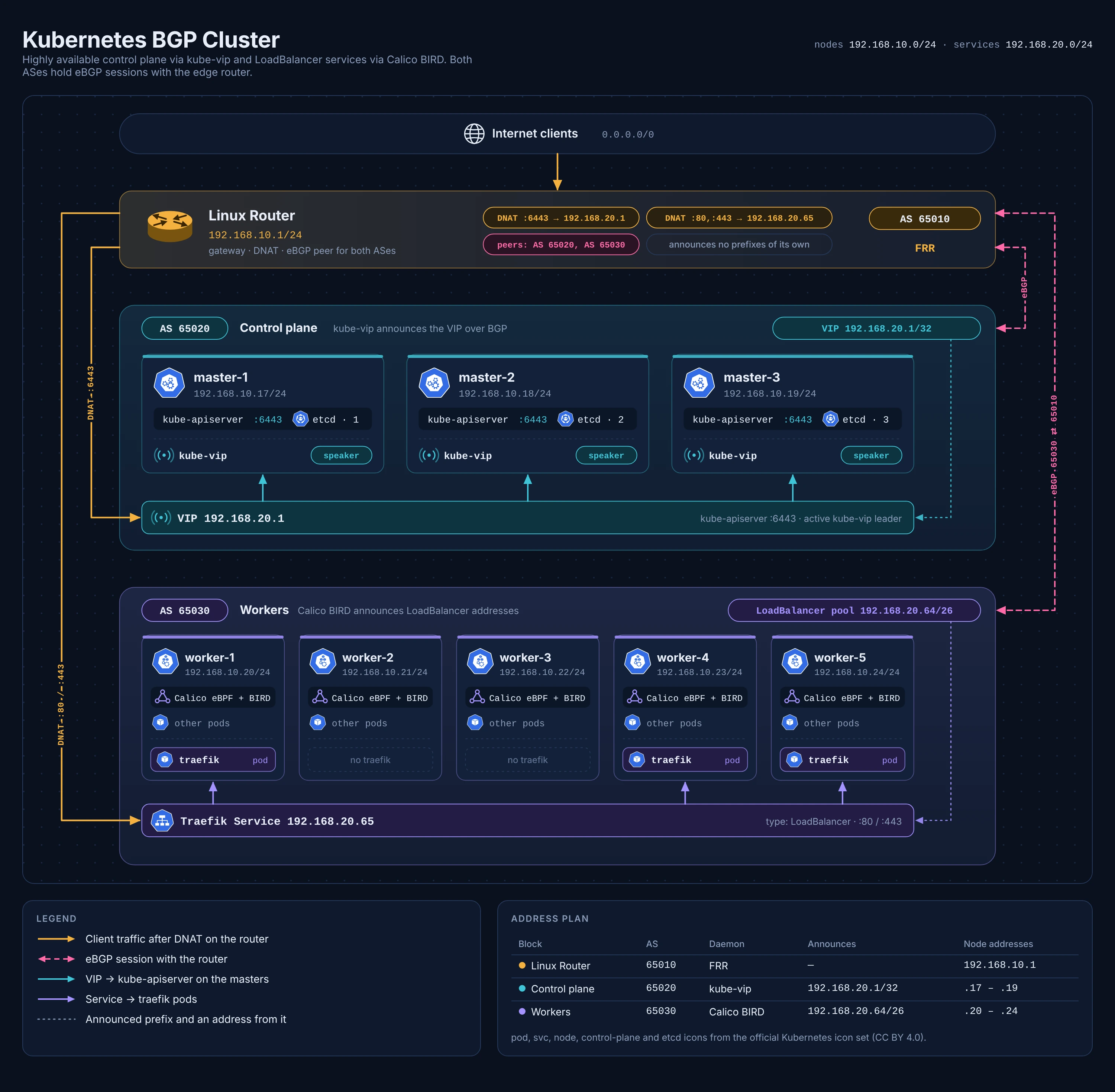
A series about building, from scratch, a highly available Kubernetes cluster in which both the API server and the LoadBalancer services are announced over BGP. Such a cluster runs on my Hyper-V virtual machines, and it hosts, among other things, this blog.

The series is hands-on: every part has the commands, the configuration and the things I managed to step on. The order is:

  • the cluster design and the plan;
  • preparing the Ubuntu 24.04 nodes — network, containerd, kubeadm, time;
  • BGP on the router with FRR — filters, ECMP and the firewall rule for hairpin traffic;
  • kube-vip in BGP mode and the first master, then the other masters;
  • Calico with eBPF instead of kube-proxy, and the worker nodes;
  • LoadBalancer service addresses from Calico over BGP;
  • Traefik behind BGP and why externalTrafficPolicy: Local matters;
  • failover testing, a troubleshooting cheat sheet and a review of the mistakes.